The Editor · A preview
Create the possibilities.
Turn an idea into an interactive story, with an editor that keep your imagination connected.
A first look at the idea behind ITales.
I’m interested01 / Editor preview
Start with an idea.
Build your node by node in a graph-based editor. Start from a first idea to a whole interactive world.

From a first scene to a whole story.
Start with a character, a place or a question you want readers to explore. Write a first scene in a node, add a choice or another interaction and gradually find the shape and voice of your story.
The Editor preview focuses on the journey from a small idea to large and highly branched story with multiple chapters. Each story needs to have a protagonist but you can define as many characters as you want. You can even define items, whch could be important in the story to unlock new paths. Define quests that the player can undertake throughout the story and give them rewards if they accomplish them. Let the player interact with the story in various interaction ways.
To help you keep track of everything, a filtering system is built in that allows you to filter by chapter or by node. There is also a search function that lets you search for specific text passages throughout the entire tree to find the corresponding node.
02 / Editor preview
See every path.
Connect scenes with choices and branching storylines. Keep your narrative organized as you explore all the ways it could unfold.
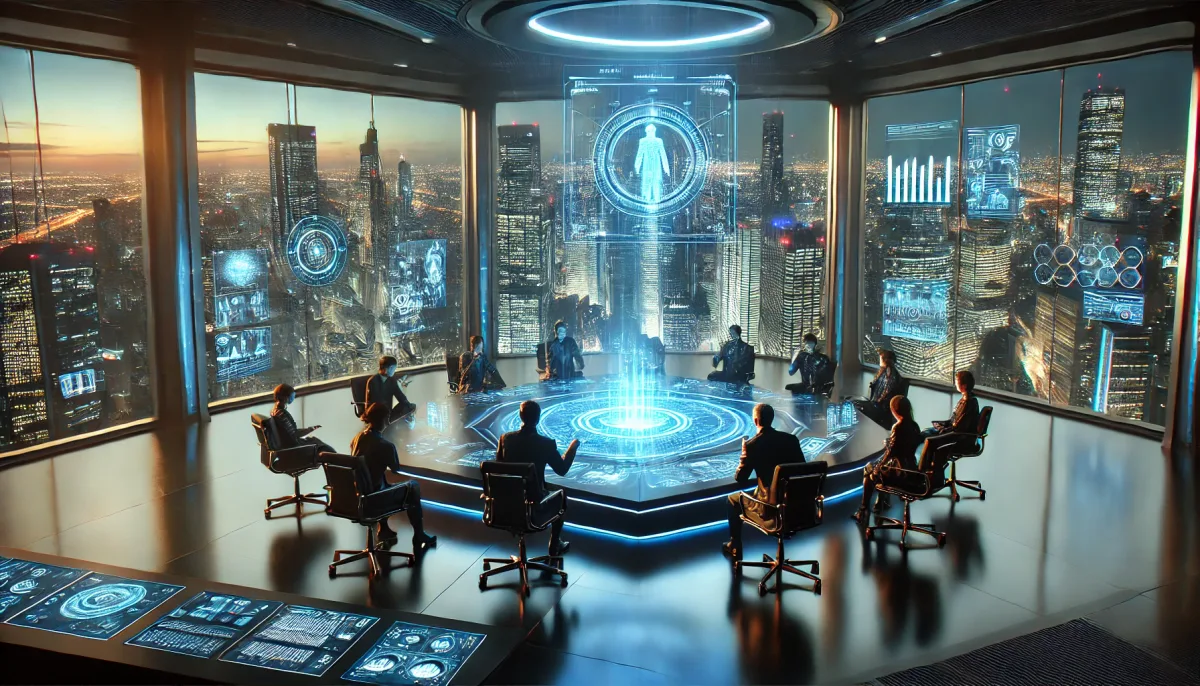
Give each decision a direction.
A choice can lead to a different scene, introduce a new perspective or bring several paths back together. Sketching those connections helps you think about what each decision means for the reader.
You can create nodes on a canvas and connect them to each other. There are a number of different node types you can use:
- Story-Nodes: Includes all static story elements, such as text and images.
- Interaction-Nodes: Contains the selectable interactions that the player performs in this specific node. There are currently six different types of interactions, but that number will likely grow.
- Reward-Nodes: Here, the author can choose from a fixed set of rewards to determine which reward the player receives at this specific point.
- Item-Nodes: At these nodes, the author can assign items to one or more characters in the story or remove them.
- Quest-Nodes: Here, you can define quests for the player that they must complete on their journey through the story. These quests may involve reaching a specific point in the story or obtaining a specific item, and they can be rewarded with a prize.
- End-Nodes: Each story needs an ending and here you can define and ending to a specific storyline.
03 / Editor preview
Make the world feel alive.
Add visual atmosphere and audio to your scenes. Bring together writing, images and sound to create an experience readers can step into.
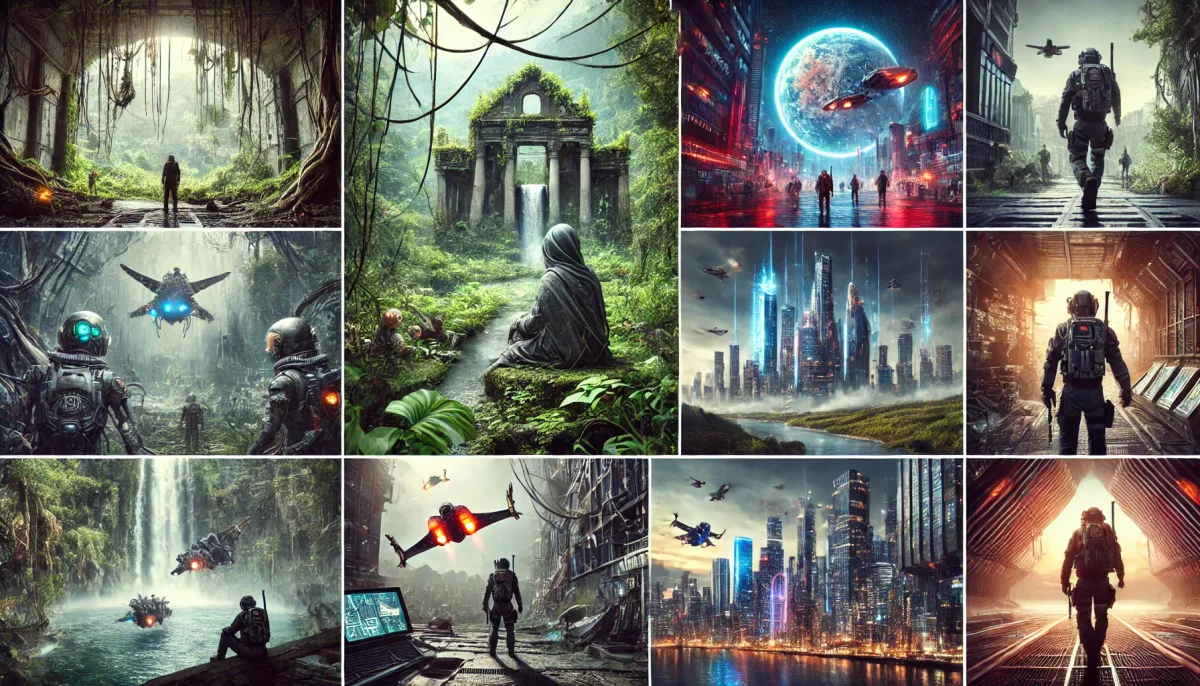
Build atmosphere around your words.
Picture a quiet forest, a busy city or a room with a secret. An image or a subtle sound can help set the mood before a reader reaches the next line.
The idea is to bring writing, images and optional audio together within a scene. Choose the details that support your story and give readers a world they can imagine stepping into.
Each story node has the option to upload two audio files. One for the background sound and one for the speech audio. So it's also possible to provide a complete audio version of your story.
04 / Editor preview
Customize the game view.
You can shape many aspects of your game's visual presentation.
Give your story the right look.
You are able to customize the color, shape, background and partly the position of elements within the game view.
- Background-Images: Upload custom images for the story background.
- Style of Buttons: Customize the appearance and behavior of buttons within the game view.
- Style of text background: Upload a texture for the text background or define a appropriate color.
- Positioning of Elements: To a certain degree, your are able to rearrange elements within the game view.
05 / Editor preview
Download a fully playable version of your story.
Each story can be downloaded as a fully playable version for the browser.
Download and share.
The stories can be downloaded as a zip file containing all the necessary media and story files.
You are able to share your work on other platforms or with collaborators.
Help shape the Editor
Where would you like to go next?
Share what interests you and what you'd like to see.
I’m interested